



Config File Menu
The button at the top-left corner of the application user interface is the 'File' button. Clicking the 'File' button will pop up the file menu as shown in the figure below. You can place Ribbon controls on the file menu by configuring the corresponding tags for the controls within the <startMenu>…</startMenu> tags that correspond to the file menu. On the left is the file menu, and on the right is the specific content of the current file menu.
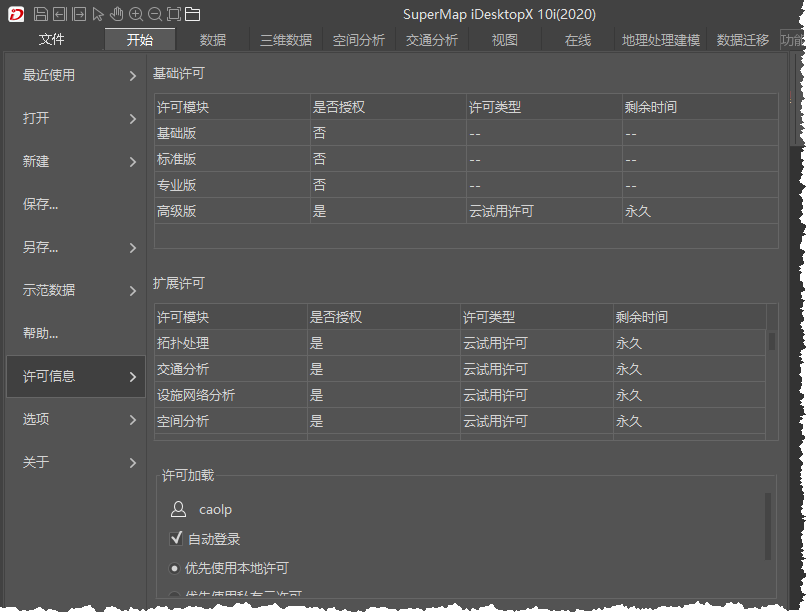
In the config file, the configuration content for the file menu must be placed within the <startMenu>…</startMenu> or <startMenuPanel>…</startMenuPanel> tags.