



Instructions for use
SuperMap provides S-52 Electronic Chart display style, and follows the IHO S-52 specification to define the content, display, data structure and symbol style of Electronic Chart. This helps to improve the safety and efficiency of navigation. According to the S-52 display standard, each type of feature object is assigned a different symbol and color depending on its type.
Adding feature objects in Chart Layer is similar to Normal Layer, but each feature object can only be edited in the corresponding feature Dataset. If the required object Dataset is missing in the Chart Group, create or append the Dataset first.
Operation steps
It can be drawn according to the feature type of the feature object by referring to the existing scanning file or other base maps. Take the Depth Range object as an example:
- Using similar operations, you can continue to add other types of object objects to improve Chart Data. Open Chart Group: Open the Editable Chart Group to which the object needs to be added to Map. Also opens an underlay file for reference.
- The default All Data Set layer is editable. Select a Depth Range layer in the Layer Manager.
- Object Editing tab-> Object Drawing group-> Click the Faces Drop-down Button and select Arbitrary Polygon.
- According to the base map and reference, move the mouse in the Map to start Draw Polygon, and the Parameter Input box will display the Coordinates value in real time. Press the Tab key to activate the XY coordinate input box and input the coordinates of the object. After input, press the Enter key to determine the node. When finished, right-click to close the polygon.
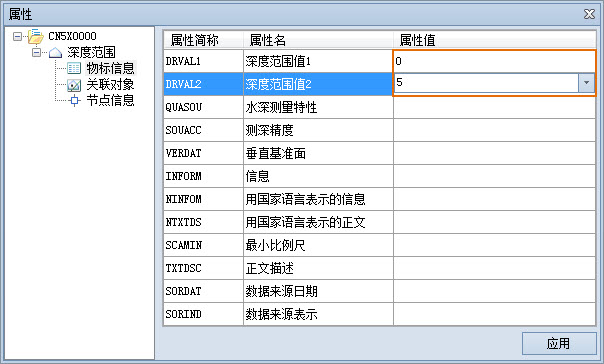
- After drawing, select the object, right click Attribute, and set the depth range values of the DRVAL1 and DRVAI2 fields in Attribute Information.
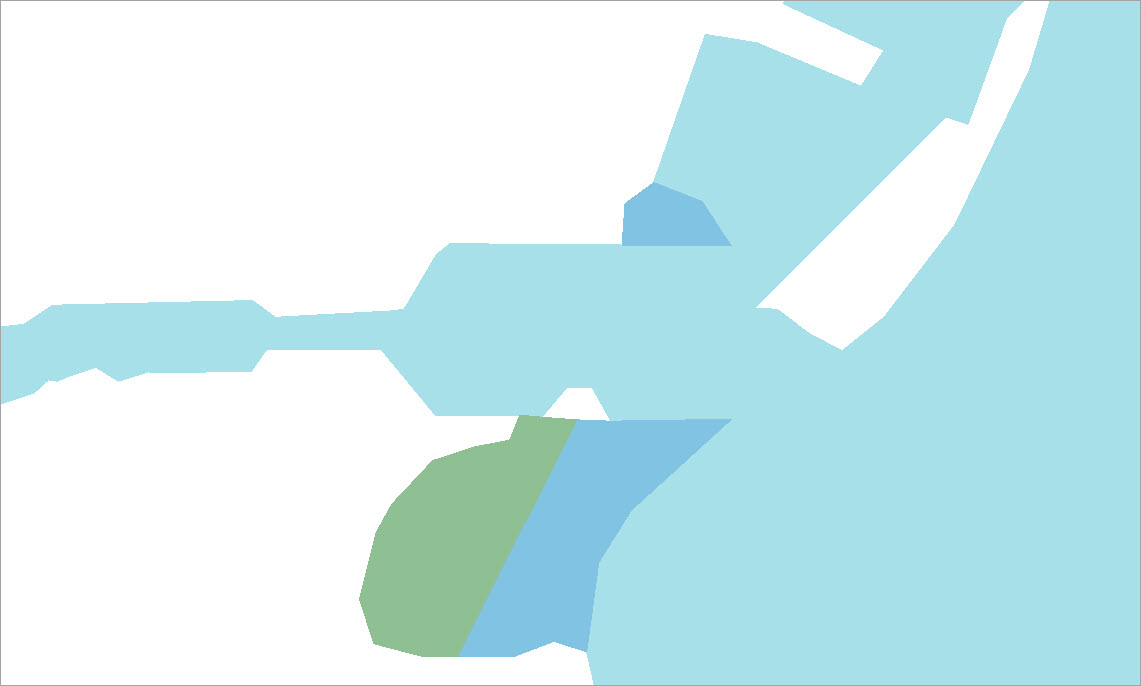
- Repeat the above steps to draw other depth range areas and set the corresponding property values. Different depth ranges have different display styles. The drawing results are shown in the following figure:
Related topics