



Step 1: Create a new 3D Scene
Scenes in SuperMap iDesktopX are divided into Spherical Scene and Plane Scene View Modes.
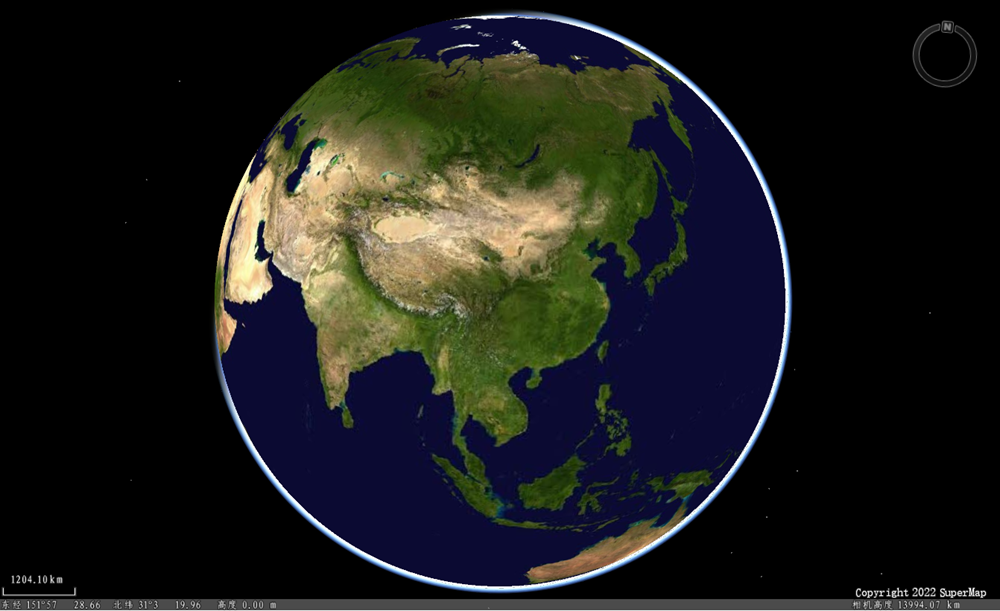
- Spherical Scene: It refers to the display of the scene on the surface of the earth in the form of a spherical three-dimensional space simulating the earth.
- Plane Scene: Expand the spherical surface of the earth into a plane, and simulate the whole earth to display the scene in the form of a plane.
Plane Scene is suitable for smaller scenes, such as community panorama, building display or large equipment such as oil field derrick.
Create Spherical Scene
- Start up Application;
- Click the Home tab-> Browse group-> Scene button; or select the Create Spherical Scene item in the Context Menu of the scene node in Workspace Manager.
- The scene in the newly created Scene is shown in the following figure:
Create Plane Scene
- Start up Application;
- Click Start Tab-> Browse Group-> Scene Drop-down Button-> Create Plane Scene; Alternatively, in Workspace Manager, select the Create Plane Scene item in the Context Menu of the scene node.
- The scene in the newly created Scene is shown in the following figure:
Related topics