The process of GIS data acquisition and production often consumes a lot of manpower and material resources, in which three-dimensional data is particularly expensive, and even a lot of large-scale data may be related to national security. The security of GIS data is very important. SuperMap supports the encryption of workspace and the generation of cache data, as well as the encryption of the 3D cache generated when the client browses the 3D service.
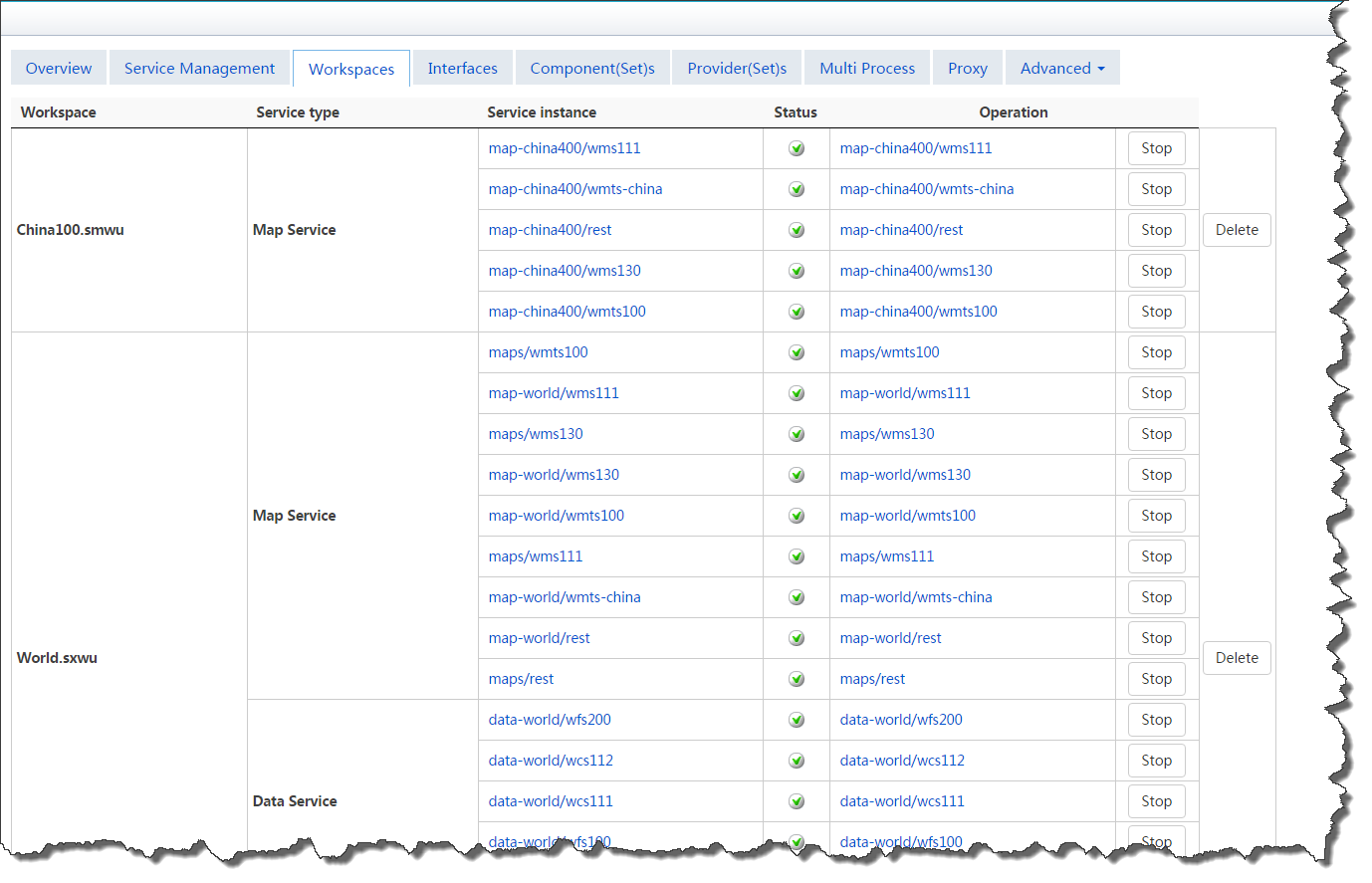
Encrypt when saving workspace
The workspace of SuperMap supports encrypted storage. In SuperMap iDesktop, the workspace generated by encryption can be loaded or opened only by entering a password when it is reused, so as to ensure the security of data.
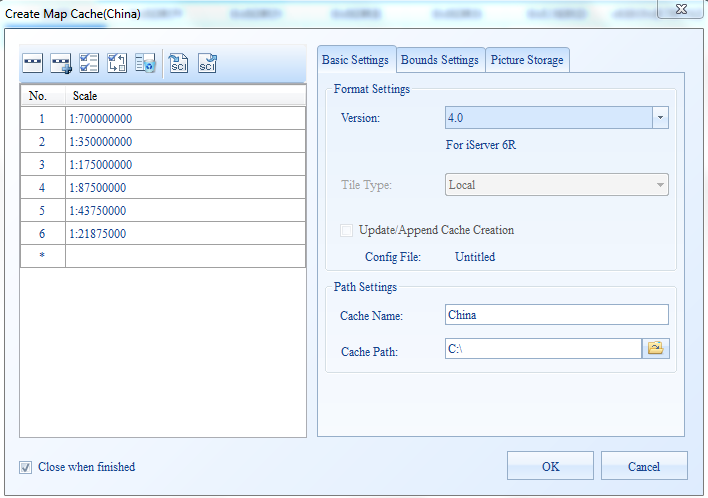
Encrypt when generating cached data
Both SuperMap's map cache and scene cache support encrypted storage, in which the map cache needs to be stored in a compact format before it can be encrypted. The cache data generated by using the encryption method can be loaded or opened only by entering the password when being reused, so as to ensure the security of the data.
3D client cache encryption
Basic principle of encryption: a random encryption password will be automatically generated after iServer start service. When iClient browses 3D service, it will cache 3D data and automatically encrypt the downloaded 3D data with the password generated by the server.
The server-side administrator can modify the default encryption password and set whether the 3D cache data is allowed to be copied. Specific operation:
- Log into the service management interface and access the "Security" > "realspace security" page
- Click the "Allow/Prohibit" button to set whether the cached data can be copied
- Check the display character to view the currently used password
- Click "change password" to set your new password. Please pay attention to the password strength. The new password must meet the following conditions:
- Must consist of letters, numbers, special characters, case-sensitive
- Length is not less than 6 characters
- Cannot contain spaces
Note:
The default password is randomly generated by the iServer. Each product package is different. After the server configuration is modified through the backup function, the password will be restored to the specified state.