GIS Cloud Suite
Register HBase
GIS Cloud Suite supports to register internal and external HBase. Internal HBase is the built-in HBase in GIS Cloud Suite. External HBase is the users HBase environment, it is required to configure and register in GIS Cloud Suite. Please follow the steps below to register HBase.
Register Built-in HBase
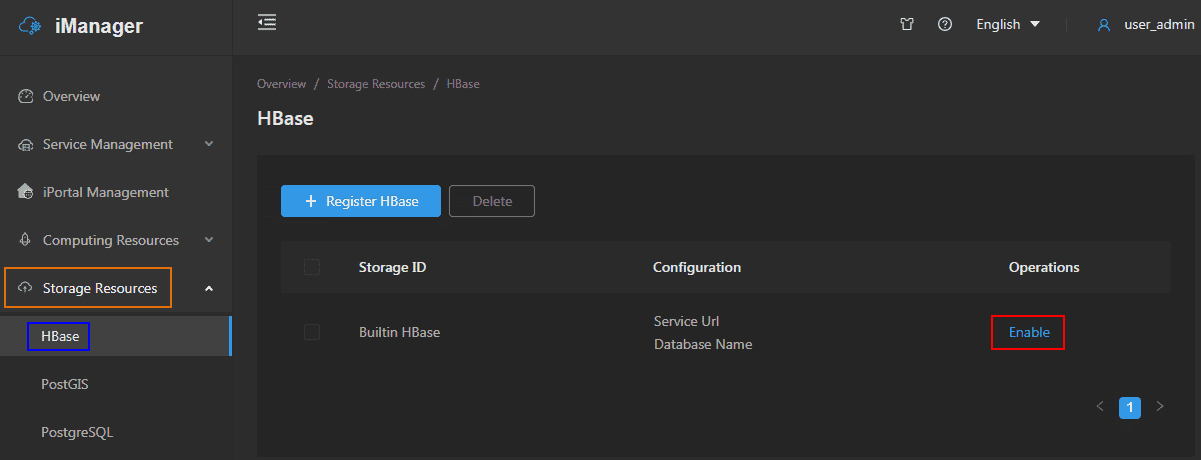
- Clicks Storage Resources > HBase on the left navigation bar.
-
Clicks Enable on the HBase page.
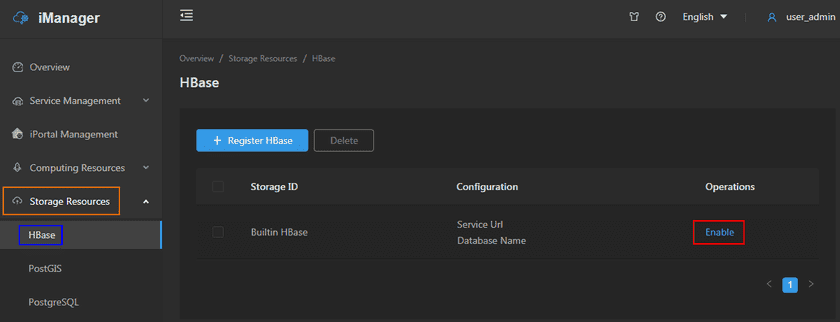
- After the HBase environment get started up, the system would register built-in HBase to Data Catalog Service automatically.
Register External HBase
- Clicks Storage Resources > HBase on the left navigation bar.
- Clicks on Register HBase.
-
Fills out the following information to register HBase.
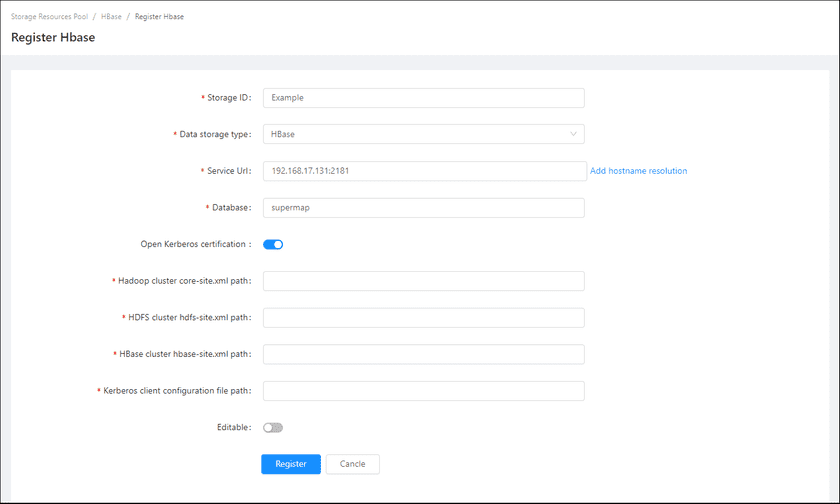
- Storage ID(Required): The name of the storage resource, the name is customizable.
- Data storage type(Required): HBase.
- Service URL(Required): The URL of HBase data, fills out the address of zookeeper, the port is 2181 by default.
- Add hostname resolution(Required): Please refer to GIS Cloud Suite > Configuration Management > Hostname Resolution.
- Database(Required): The name of database.
-
Open Kerberos certification: (If you open Kerberos certification, please fiil out the following information)
- Hadoop cluster core-site.xml path: The path of the Hadoop cluster configuration file ‘core-site.xml’.
- HDFS cluster hdfs-site.xml path: The path of the HDFS cluster configuration file hdfs-site.xml.
- HBase cluster hbase-site.xml path: The path of the HBase cluster configuration file hbase-site.xml.
- Kerberos client configuration file path: The path of the Kerberos client configuration file ‘krb5.ini’.
- Editable: The default is uneditable. If change the status to editable, the database could be the storage node of Data Catalog Service to upload the relational data.
-
Clicks on Register, the new added HBase would be displayed in the list.
Notes:
Configure external HBase please see SuperMap iServer Documentation.
