GIS Cloud Suite
Register Machine Learning Model
GIS Cloud Suite supports to register Machine Learning Model. The registered model files would displayed in the mlmodel resource of Data Catalog Service, it could also be the input data of model file for Machine Learning Service. Please follow the steps below to register:
- Clicks Storage Resources > Machine Learning Model on the left navigation bar.
- Clicks on Register Machine Learning Model.
-
Fills out the following information to register the Machine Learning Model.
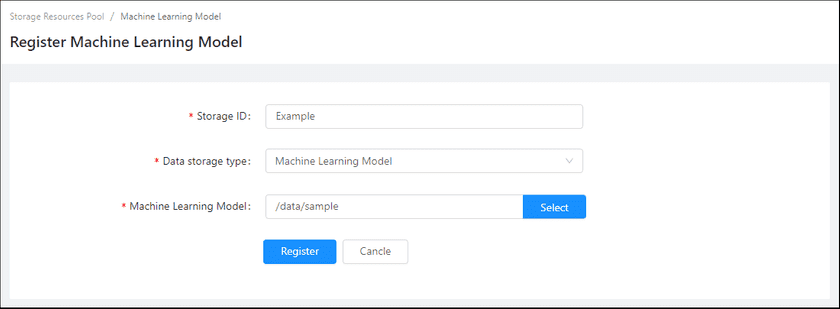
- Storage ID(Required): The name of the Machine Learning Model, the name is customizable.
- Data storage type(Required): Machine Learning Model.
- Machine Learning Model(Required): The path of the data file, select the file or path from the file manager.
-
Clicks on Register, the new added Machine Learning Model would be displayed in the list.
Notes:
More details of Machine Learning Model please see SuperMap iServer Documentation.
