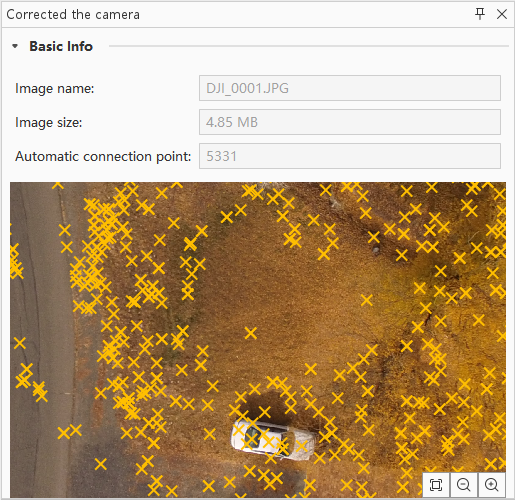
View Correction Points
After completing the aerial triangulation calculation, each image will have its tie points matched. Through the correction points list, after clicking on a specific image, you can view detailed tie point information for that image in the right panel.